جواب
Setting Up a Study Space for Online Classes
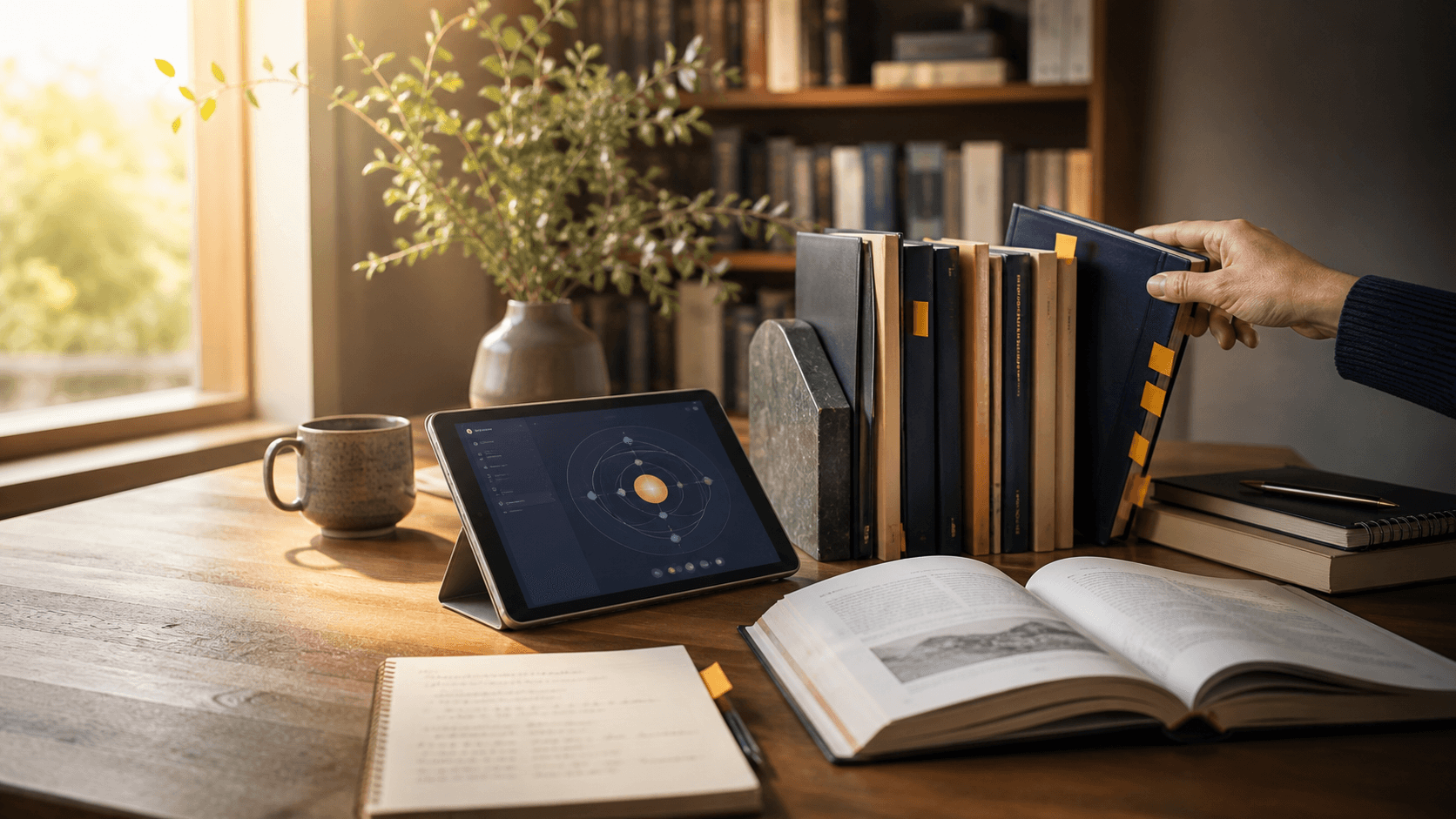
Camera height, light direction and where the paper goes: the one arrangement that lets a child write and still be seen, built from things already in the house.
مختصر جواب
How do you set up a study space for online classes?
Raise the laptop on a stack of books and put the exercise book on the desk in front of it. The camera then sees the page and the face, and nothing has to be moved mid-lesson.
مختصر جواب
Raise the laptop on a stack of books, tilt the screen slightly downwards, and put the exercise book on the desk between the child and the screen. The built-in camera then sees the page and the face at once. Light the child from the front, never from a window behind them.
جواب کس بات پر بدلتا ہے
- Maths and science need the working visible, so the page matters; a discussion-led English or history class does not need it at all.
- Where a second device exists, a phone clamped over the page and joined to the call on mute beats any angle a laptop can manage.
- Bandwidth decides how much of this is worth doing: on a thin connection, audio and a shared screen matter more than any camera arrangement.
- A child under about ten needs the space set up for them each time; from twelve upwards the two-minute check should become their own job.
The one arrangement worth copying
The default setup fails for a reason that is easy to miss. The laptop sits flat on the desk, the exercise book goes to one side because the laptop is occupying the middle, and the child turns sideways to write. They now have their shoulder to the camera, their page is invisible, and the tutor spends the lesson asking them to hold their work up.
Put the laptop on a stack of books, about fifteen to twenty centimetres up, and slide it back so the exercise book fits between the child and the screen. Tilt the screen down a few degrees. The camera, which sits at the top of the lid, is now looking down over the screen at the page, and the child's face is still in the top of the frame whenever they look up. Nothing needs to be lifted, angled or held. That is the whole trick, and it costs a stack of books.
Light comes from in front. Always.
A camera exposes for the brightest thing it can see. Put a window behind a child and the camera exposes for the window, so the child becomes a silhouette with a bright rectangle around them. This is the single most common fault we see, and no amount of adjusting the laptop fixes it.
Face the child towards the window, or put a lamp on the far side of the desk pointing at them rather than at the wall behind. A ceiling light on its own is the second-worst option: it comes straight down, so the eyes sit in shadow and every expression is lost. If the room only has an overhead light, add any cheap lamp bounced off a pale wall beside the desk.
Screen height and camera height are in conflict, so settle it
Raising the laptop is good for the camera and bad for the neck, because the screen goes up with it. For a one-hour class the tilt handles it: angle the screen down about ten degrees, sit an arm's length back, and the eyeline lands near the top third of the screen, which is comfortable enough.
For a student who is on the machine for several hours a day, that compromise is not good enough. Add a cheap external keyboard, which lets the screen stay high while the hands come down to desk level, and the conflict disappears entirely.
The tutor hears the room before they see it
A bedroom with a hard floor, bare walls and no curtains sounds fine to the person sitting in it and arrives at the tutor as an echo. The student never knows, because they hear their own voice directly. Wired earphones remove it completely, because the loop from speaker to microphone is what creates it in the first place.
Earphones also stop the class being broadcast to the rest of the house, which matters in a shared room. Laptop speakers plus a laptop microphone is the worst combination available and is what most students use by default. If a second device is being used as a page camera, mute it before the lesson starts, or the two microphones will feed back into each other within seconds.
The two-minute setup before every class
Almost every lesson that starts badly starts badly for a logistical reason: a device at eight per cent battery, a missing calculator, a sibling in the room, the right exercise book downstairs. All of it is preventable and none of it is the tutor's to prevent.
One more thing that is not on the list because it is not equipment: a table and a hard chair rather than a bed. A bed is a place the body has been trained to rest in, and an hour of concentration held in one is an hour of concentration fighting the furniture.
- Device plugged in, not merely charged
- The right exercise book, the calculator, a ruler and a working pen already on the table
- The class link opened five minutes early rather than on the hour
- Phone in another room, not face down on the desk
- Door shut, and the household told the class has started
- A glass of water, so nobody leaves the frame at minute thirty
عام سوالات
Do we need to buy a webcam or a ring light?
No. A built-in laptop camera raised on books and pointed correctly beats an expensive webcam at the wrong height, and a desk lamp on the far side of the table does what a ring light does. Spend money on wired earphones with a microphone if you spend it on anything.
How does a second camera on the page work?
Join the class a second time on a phone, mute it immediately, and clamp the phone so it looks down at the exercise book. The tutor can then pin that view while the student works. It is the best setup that exists for maths, because the tutor sees the working appear rather than the finished answer.
Where in the room should the desk go?
Against a wall or facing into the room, with any window to the side or in front, and within reach of a plug. Avoid sitting with a doorway behind: household traffic across the frame pulls the tutor's attention and the student's, and it is the one distraction neither of them can ignore.
Is a tablet enough for online classes?
It works for watching and is poor for writing on paper alongside, because it cannot be raised behind a book the way a laptop can. A tablet is best used either as the page camera or, with a stylus, as the writing surface itself, with the class running on a laptop next to it.
Headphones or speakers?
Headphones, and wired ones if there is a choice. They remove echo, keep the class private in a shared room, and put the microphone near the mouth, which improves what the tutor hears more than any other single change. Bluetooth adds a small delay that becomes noticeable in a group discussion.
آخری تازہ کاری
اب بھی الجھن ہے؟
اپنی صورتحال بتائیے اور ہم صاف بتائیں گے کہ ہم کیا کرتے — بشمول اس صورت کے کہ آپ کو ہماری ضرورت نہیں۔